
A three-attorney family law firm in Phoenix was spending $9,000 a month on Google Ads. The dashboard looked healthy — plenty of clicks, a respectable click-through rate. But when the managing partner pulled the intake log, fewer than one in five calls came from someone who actually needed a divorce lawyer in Maricopa County. The rest were job seekers, out-of-state callers, and people looking for free forms.
That story is common. Google Ads for law firms can be one of the fastest ways to put your practice in front of people with urgent legal needs — but legal keywords are among the most expensive on the platform, with many personal injury and mass tort terms running $100 to $300+ per click in competitive metros. At those prices, a poorly structured account doesn’t just underperform; it quietly drains the budget you could be using to grow. This guide covers where law firm ad spend typically leaks and how to plug each hole.
Why Google Ads for Law Firms Wastes So Much Budget
Most wasted legal ad spend comes from three sources: broad match keywords without guardrails, loose geographic targeting, and landing pages that don’t convert. Google’s automation is built to spend your budget, not to understand that “lawyer salary” and “lawyer near me” signal completely different intent.
Broad match has become more aggressive over the past few years. A keyword like “car accident lawyer” can trigger your ad for “car accident lawyer jobs,” “car accident report online,” or even “how to handle a car accident without a lawyer.” Each of those clicks costs the same as a genuine prospect — and none of them will ever sign a retainer.
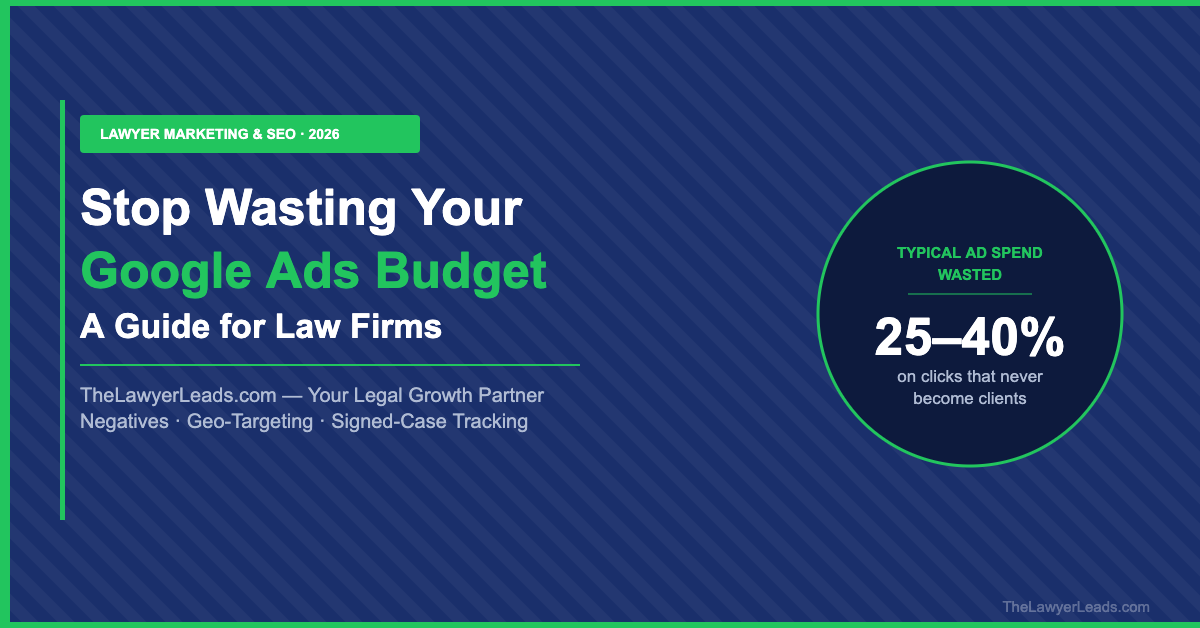
Quick audit: Open your Search Terms report for the last 90 days and sort by cost. In most law firm accounts we review, 25–40% of spend goes to search terms that could never produce a client.
Build a Negative Keyword Wall
Negative keywords are the single highest-ROI fix in most legal accounts. Build a shared negative list and apply it across every campaign. Start with these families:
- Employment intent: jobs, salary, hiring, careers, paralegal, internship, school
- DIY intent: free, forms, template, pro bono, legal aid, self-help, without a lawyer
- Research intent: definition, statute, wiki, reddit, course, exam
- Wrong practice area: if you only handle plaintiff PI, exclude “defense,” “insurance adjuster,” and “criminal”
Then review the Search Terms report weekly for the first 60 days and monthly after that. New waste patterns appear constantly, especially when you use broad match with Smart Bidding.
Fix Geo-Targeting and Ad Scheduling
By default, Google targets people “in or regularly in, or who’ve shown interest in” your location. For a law firm licensed in one state, that setting lets someone in Ohio researching Texas divorce law trigger your ads. Change the location option to “Presence: people in or regularly in your targeted locations.”
Next, match your ad schedule to your intake capacity. If nobody answers the phone after 7 p.m., either staff a live answering service or reduce bids overnight. A missed call on a $150 click is the most expensive kind of waste.
| Setting | Default / Common Setup | Optimized for Law Firms |
|---|---|---|
| Location option | Presence or interest | Presence only |
| Match types | Broad match, no negatives | Phrase/exact + shared negative list |
| Ad schedule | 24/7 at equal bids | Bids aligned to intake hours |
| Conversion goal | Any call or form fill | Calls 60s+ and qualified consults |
| Search partners | Enabled | Off until proven profitable |
Track Signed Cases, Not Clicks, in Google Ads for Law Firms
Smart Bidding is only as smart as the signal you feed it. If every 10-second call counts as a conversion, Google will happily find you more 10-second calls. Set your primary conversion to calls lasting 60 seconds or longer and form submissions that pass basic qualification.
The next level is offline conversion imports: when a prospect signs, push that outcome from your CRM or intake software back into Google Ads with the click ID (GCLID). The algorithm then learns which searches produce retained clients rather than just inquiries — a meaningful shift for firms spending $5,000+ per month.
Key Insight
Your true metric is cost per signed case, not cost per click or cost per lead. A campaign at $250 per inquiry that signs one in three beats a campaign at $90 per inquiry that signs one in fifteen.
Diversify Your Client Acquisition Mix
Even a perfectly tuned account has a ceiling: auction prices rise, competitors enter, and Google’s policies shift. Firms with the steadiest growth treat paid search as one channel in a portfolio — alongside local SEO, referrals, and exclusive, pre-filtered client inquiries matched to their practice area and geography. That mix protects your pipeline when cost per click spikes and gives you a benchmark to judge whether ad spend is earning its keep.
Your Google Ads Waste-Reduction Checklist
- Audit search terms — sort 90 days by cost and flag irrelevant queries.
- Build a shared negative list — block job, DIY, research, and wrong-practice intent.
- Switch to presence-only targeting — stop paying for out-of-state researchers.
- Align bids with intake hours — never pay for a call nobody answers.
- Optimize for signed cases — use 60s+ calls and offline conversion imports.
- Diversify channels — benchmark paid search against other acquisition sources.
Stop Paying for Clicks That Never Become Clients
Add exclusive, real-time client inquiries filtered to your practice area and location — a predictable pipeline that complements your paid search.